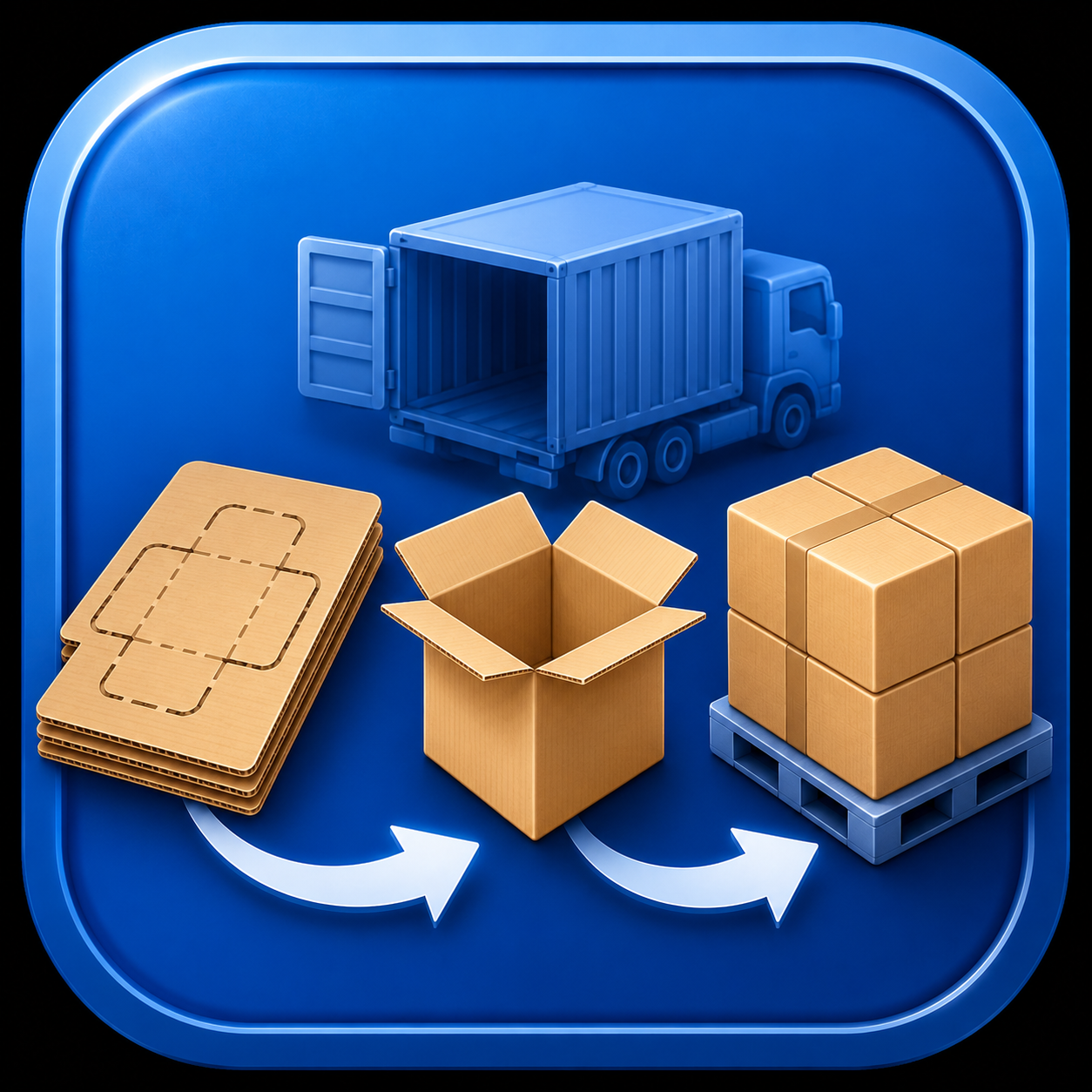
1Installation checkAn integration button is shown only when the corresponding PRO application is installed on the computer.
2Job creationDimensions, quantity, flute profile, product type and other available order fields are written to a temporary JSON file.
3Interactive launchThe JSON path is passed as a command-line argument. The target application fills its fields, calculates automatically and stays open for review and adjustments.
4Continue workingThe user can change parameters, recalculate and create reports. Unlike watch mode, the job is not silently processed and deleted.
GOST Standards Guide ⇄ calculation modules
The guide sends the box number, GOST and internal dimensions to OptCutting, OptPacker PRO, Palletizer PRO, Cost Calculator PRO, GofroTechCard PRO and Box Strength Calculator. In each application, “Select from GOST” opens the guide as a picker and returns the dimensions.
OptCutting → GofroTechCard PRO
The job supplies product type, box and blank dimensions, quantity, board type and grade, flute profile, colors and other populated production data. The tech card opens with the source record ready for work.
OptCutting → Cost Calculator PRO
Box jobs supply internal dimensions, quantity, flute profile and board grade. A corrugated blank automatically opens the Calculator in sheet mode and supplies the blank length and width, so box dimensions are not required.
OptCutting → Palletizer PRO
Boxes use standard pallet stacking. Corrugated blanks use bundle mode: bundle length is half the blank length, width equals blank width, each bundle contains 30 sheets and bundle height is calculated from the flute profile. Box dimension fields remain empty.
OptPacker PRO → Palletizer PRO
The “Pallet stacking” command transfers the calculated filled-box dimensions, box quantity and related packaging parameters. Palletizer immediately displays the transport stacking arrangement without repeated data entry.
GofroTechCard PRO → Palletizer PRO
The current tech card supplies box geometry and production quantity, flute profile and available product parameters. This connects structural design with the pallet quantity check.
Cost Calculator PRO ⇄ Palletizer PRO
Palletizer opens in bundle mode and receives bundle dimensions, sheets per bundle, flute profile and job quantity. Conditions can be changed; immediately before closing, Palletizer returns the current result to the Calculator’s “Bundles per pallet” field.
No unnecessary startup dialogs. If the first automatic calculation cannot be completed because input conditions are incomplete or incompatible, the target application simply opens with the supplied values and lets the user correct them manually.