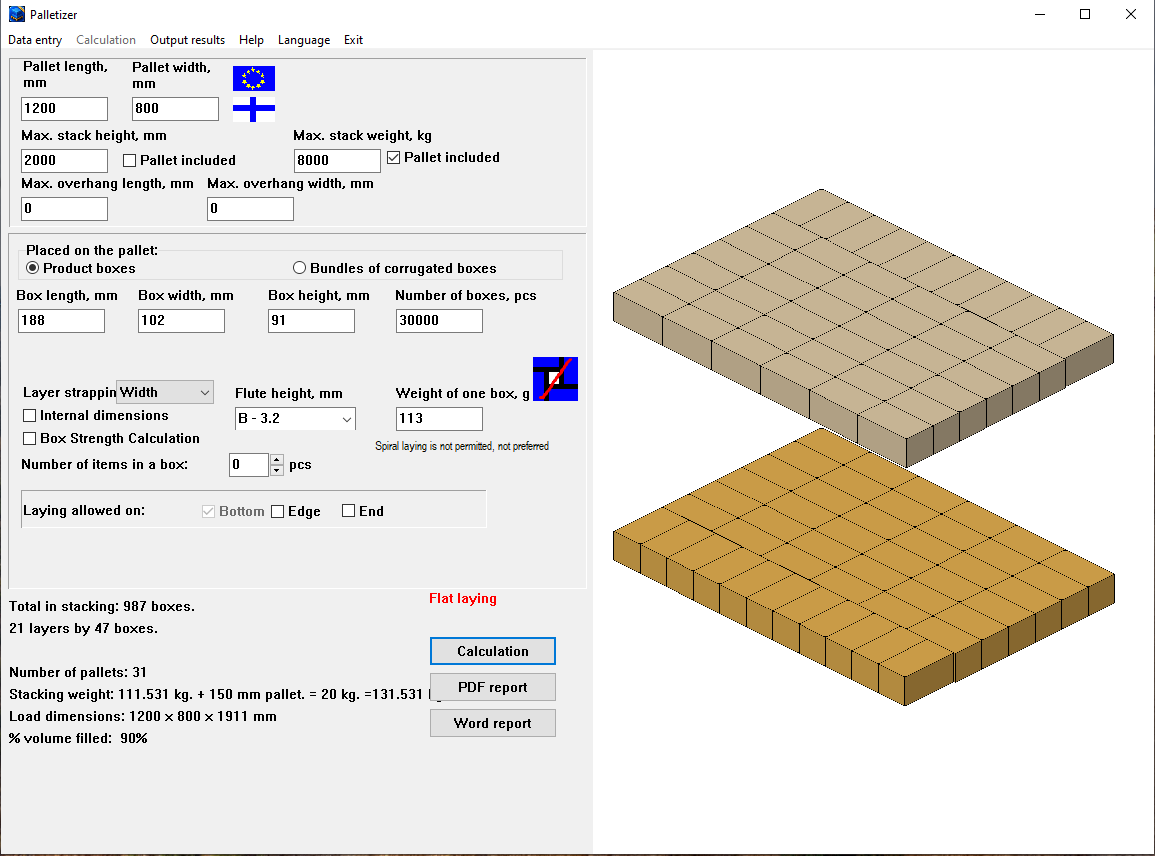
Optimal stacking logic
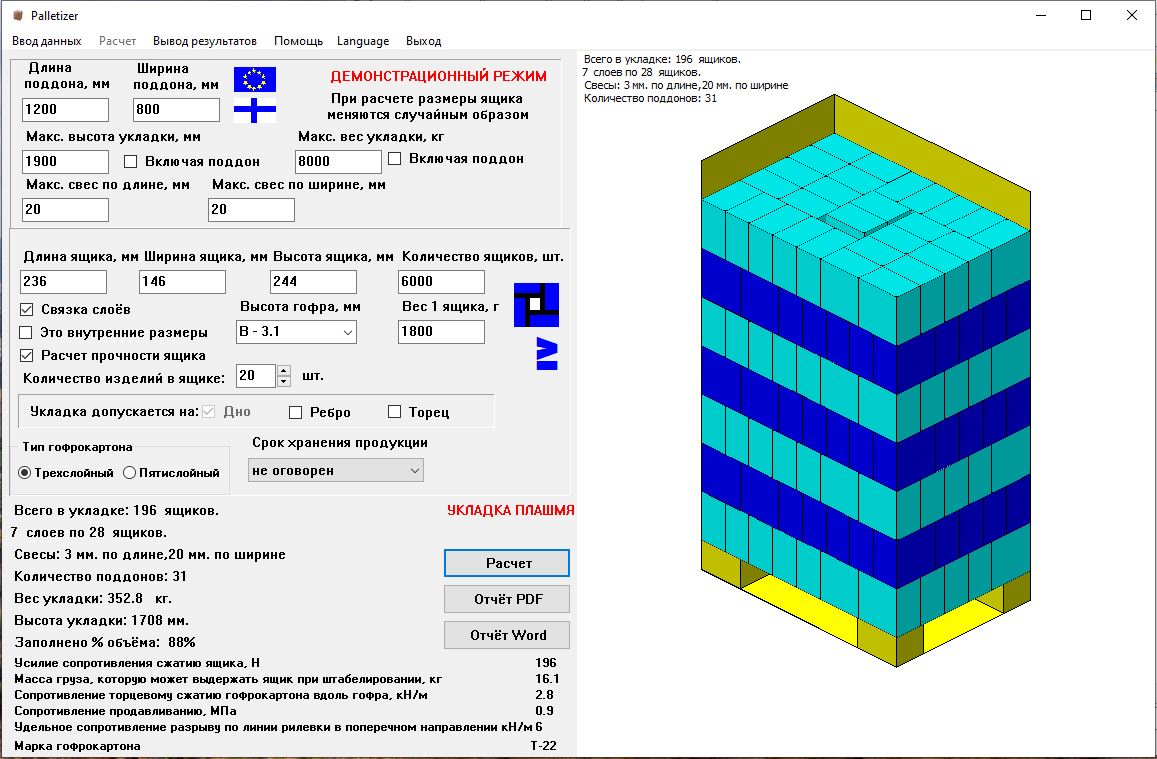
The software calculates the most efficient box layout per layer, maximizing box count while respecting stability and overhang limits.
Two stacking modes:
- Standard — a simple layout that minimizes gaps at the box edge.
- Spiral — specific layout that increases stability and load uniformity.
If both modes produce the same box count per layer, the user can define which mode has priority.
Box orientation can be considered: upright, on edge, or on side.
Load and strength calculation
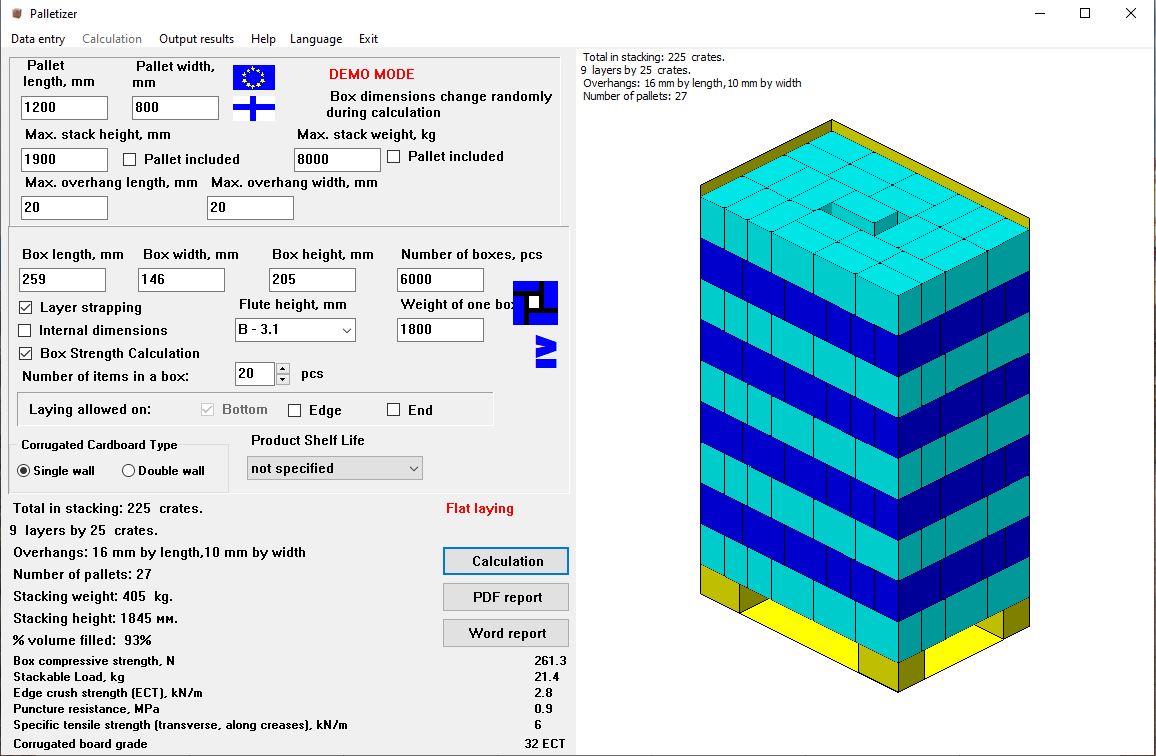
Load calculations are performed in accordance with GOST 9142-2014 for corrugated cardboard packaging.
Key output parameters (depending on enabled options):
- load on lower boxes (kg/N);
- allowable stacking load and safety margin;
- edge crush resistance (ECT);
- cardboard type and flute orientation influence.
3D visualization
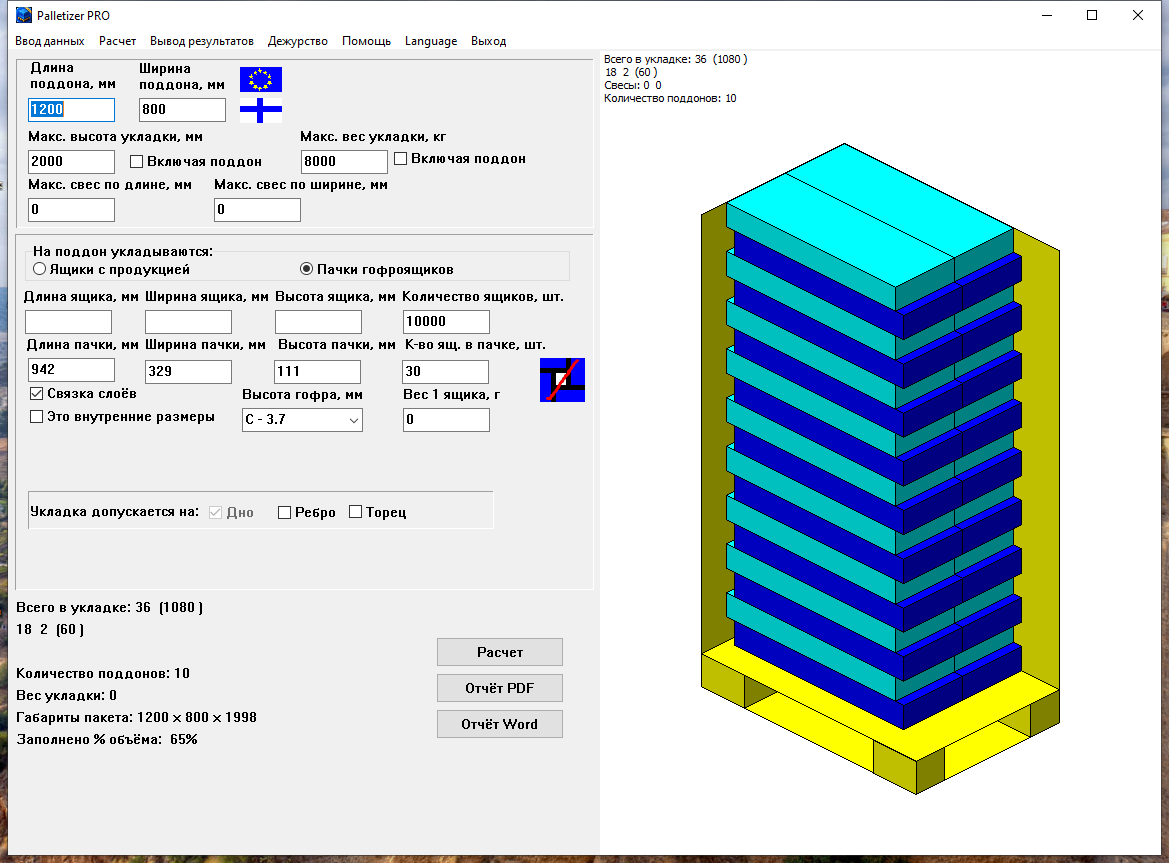
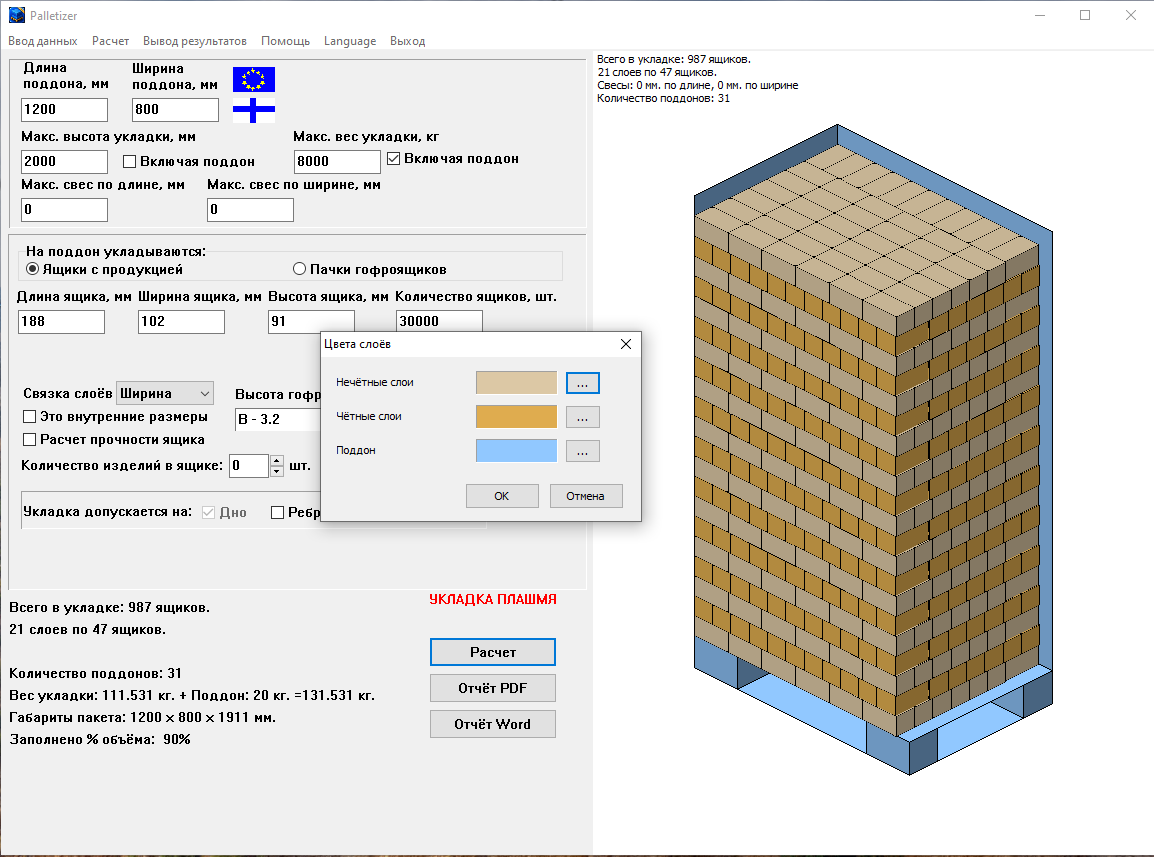
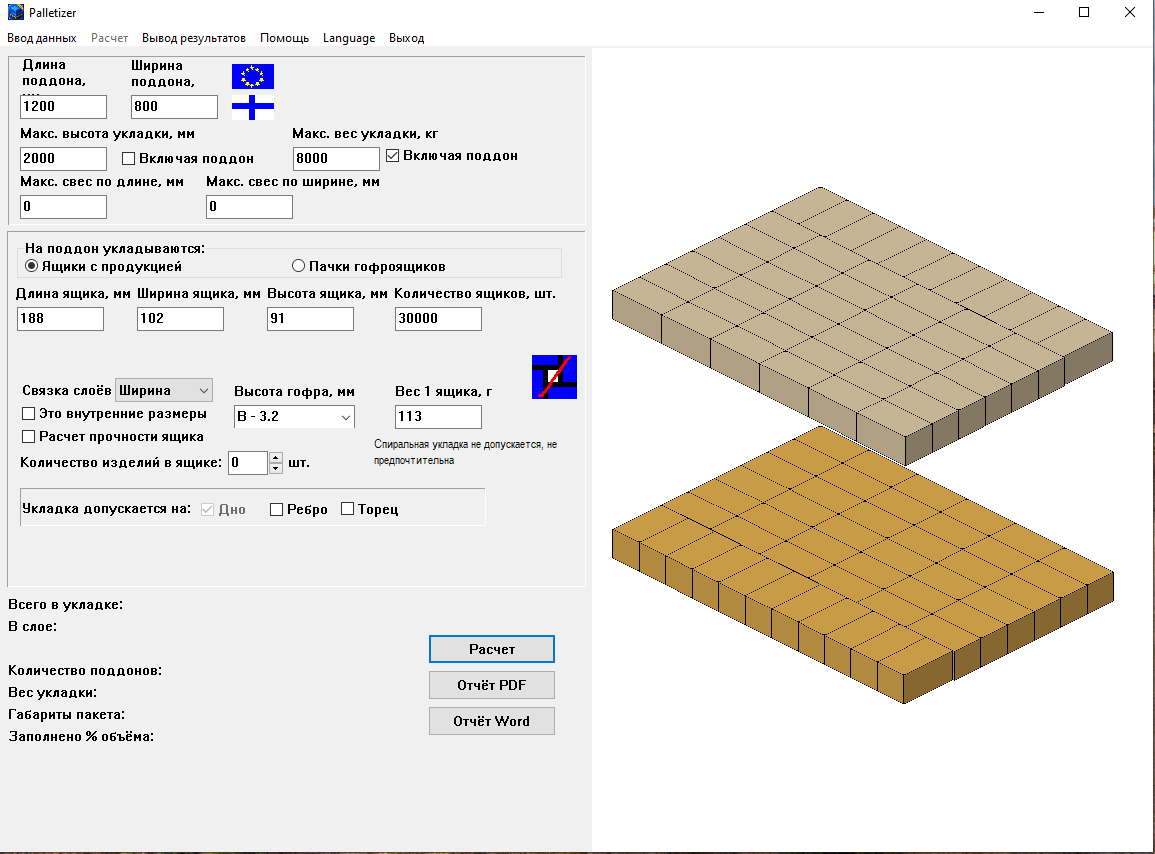
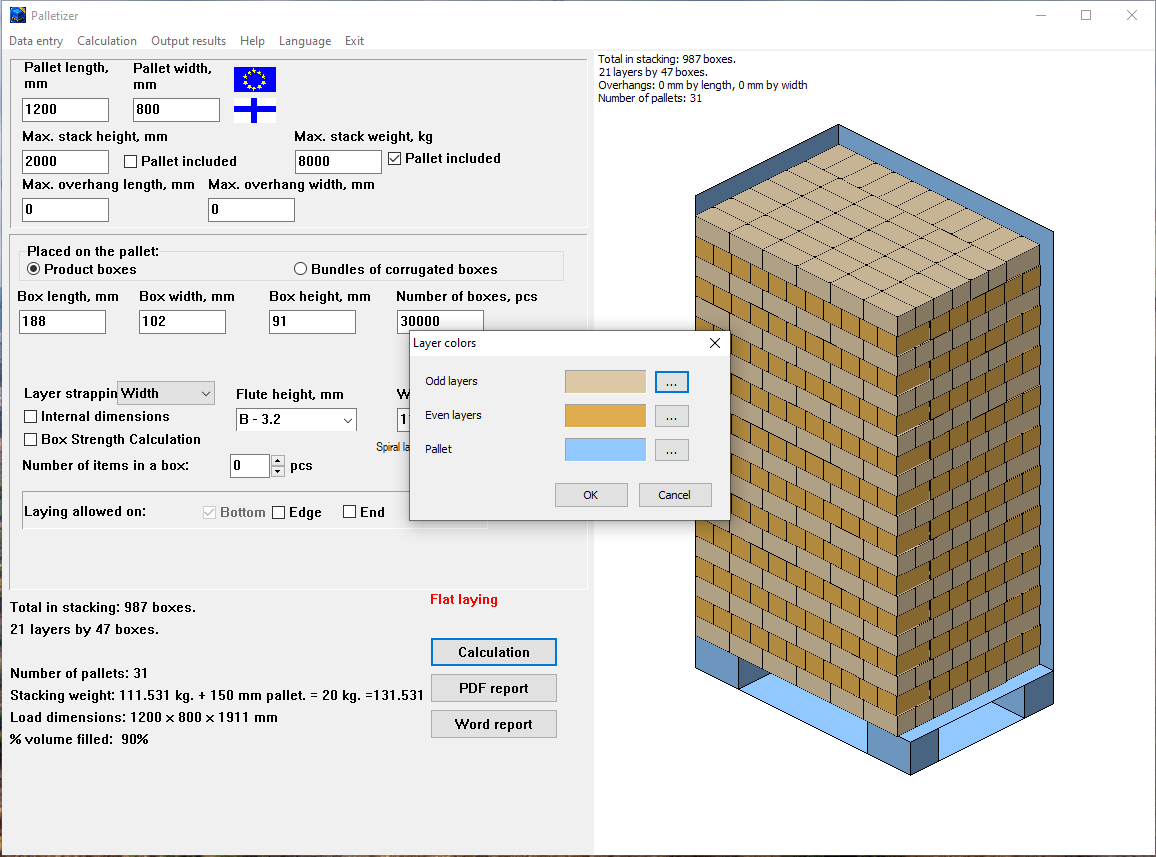
A clear diagram for warehouse workers. Even and odd stacking layers are displayed in different colors. The user can choose colors for odd layers, even layers and the pallet via an extended color picker. Each layer can be rotated 180 degrees relative to adjacent layers for more secure stacking (layer linking).
The new layer view mode displays one odd and one even layer separately, without the pallet or overlay text, making it easier to inspect layer linking and rotation.
A text block with optimal stacking parameters can be added to the diagram. The diagram can be copied to the clipboard and pasted into any office document (Word, Excel, PowerPoint).
Word & PDF reports
Detailed reports can be generated in Word and PDF formats.
Word reports support custom user templates (company branding, layout), automatically filled with calculated data.
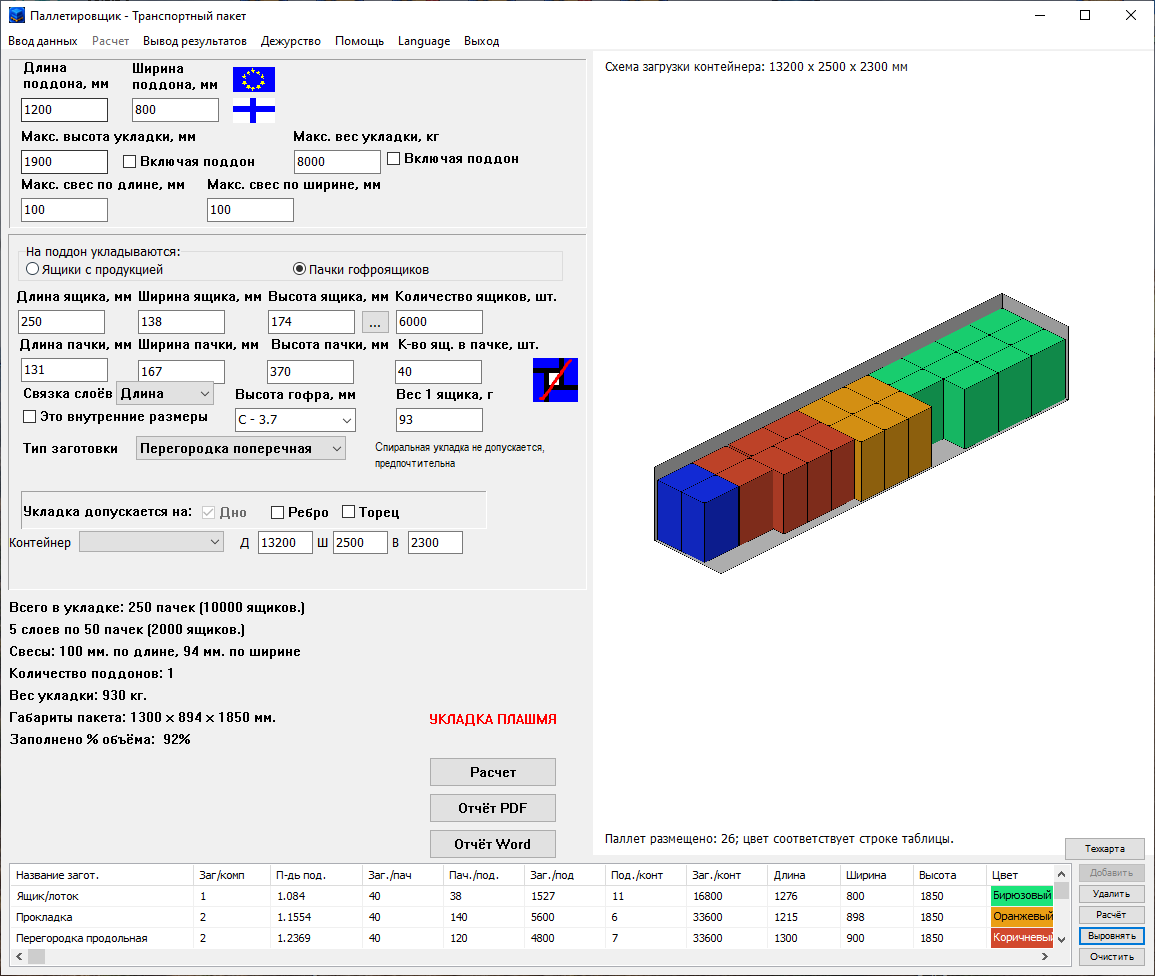
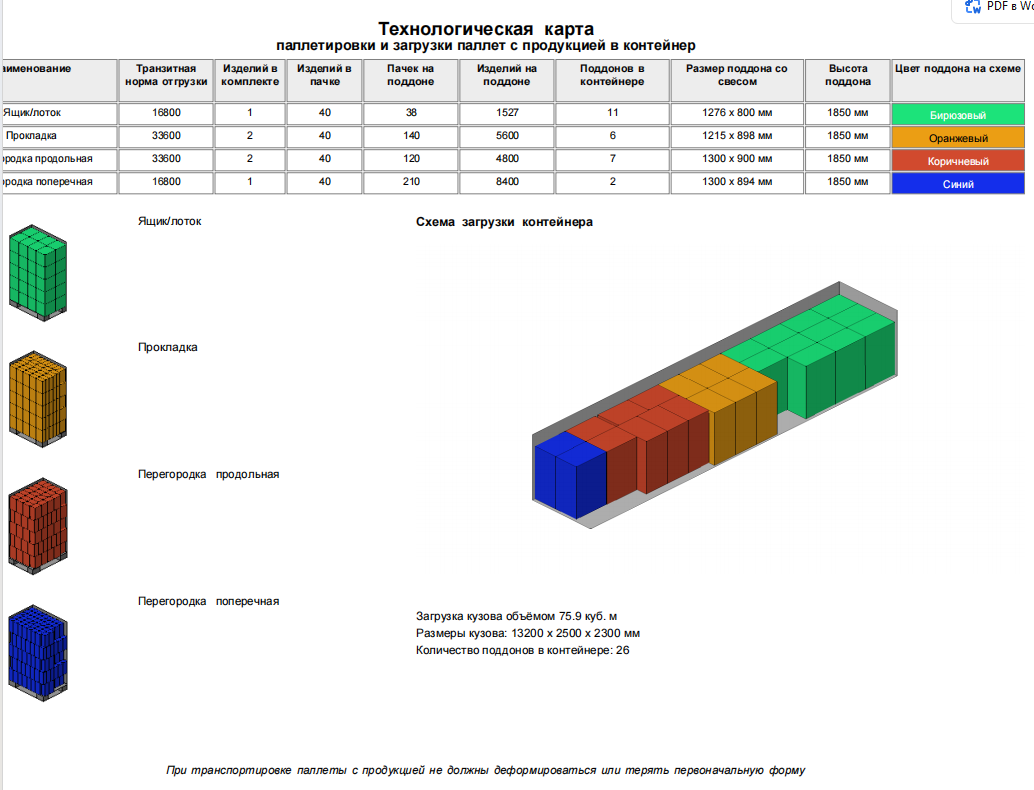
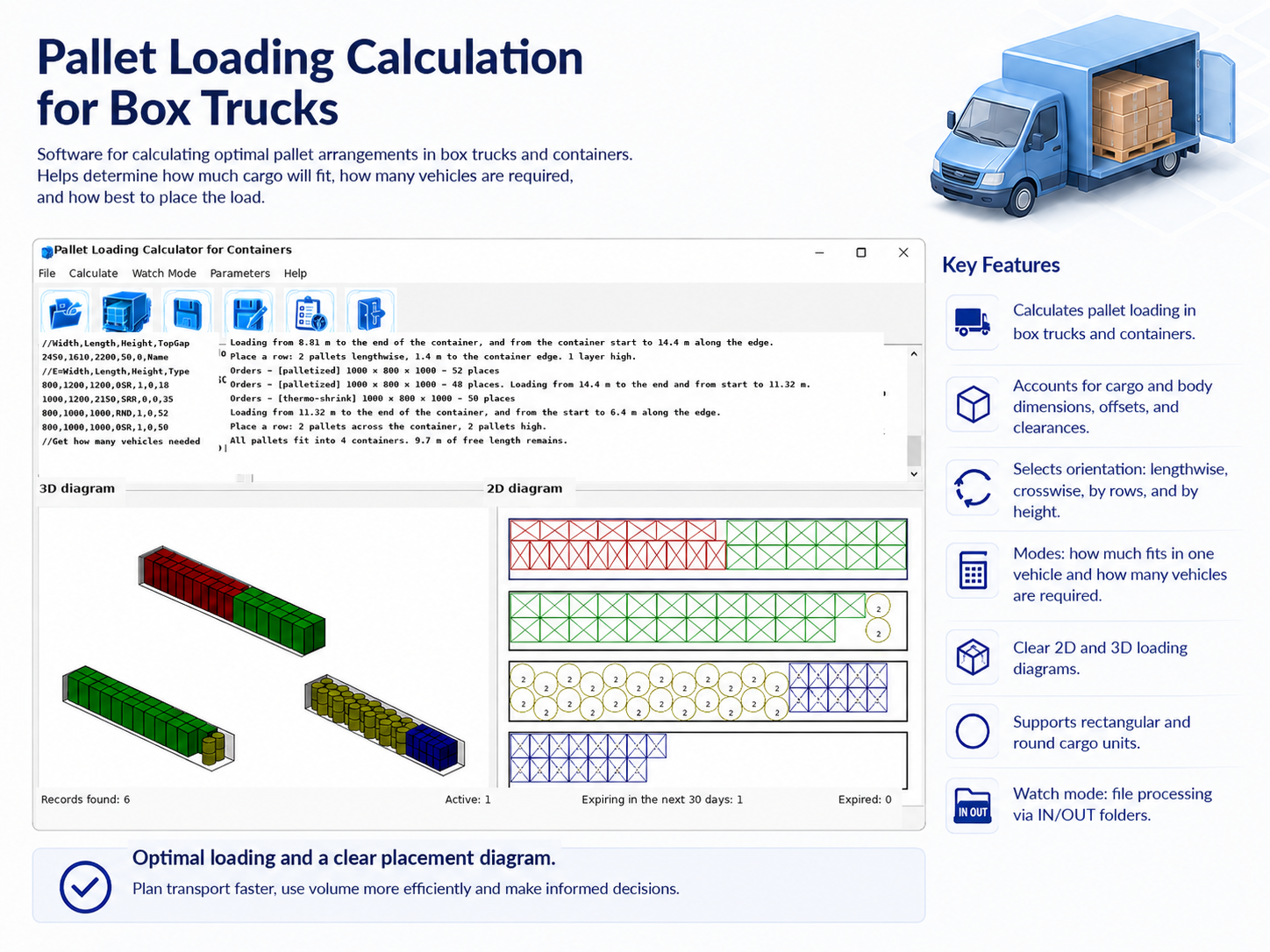
The transport-package process sheet brings together set components, shipment quantities, items per bundle and pallet, pallet dimensions and heights, and diagram colors. It includes individual pallet views and the complete container loading diagram with body dimensions and pallet count.
Pallet parameters and container loading
Any box/pallet sizes, height/weight limits, overhang settings and non-standard packaging.
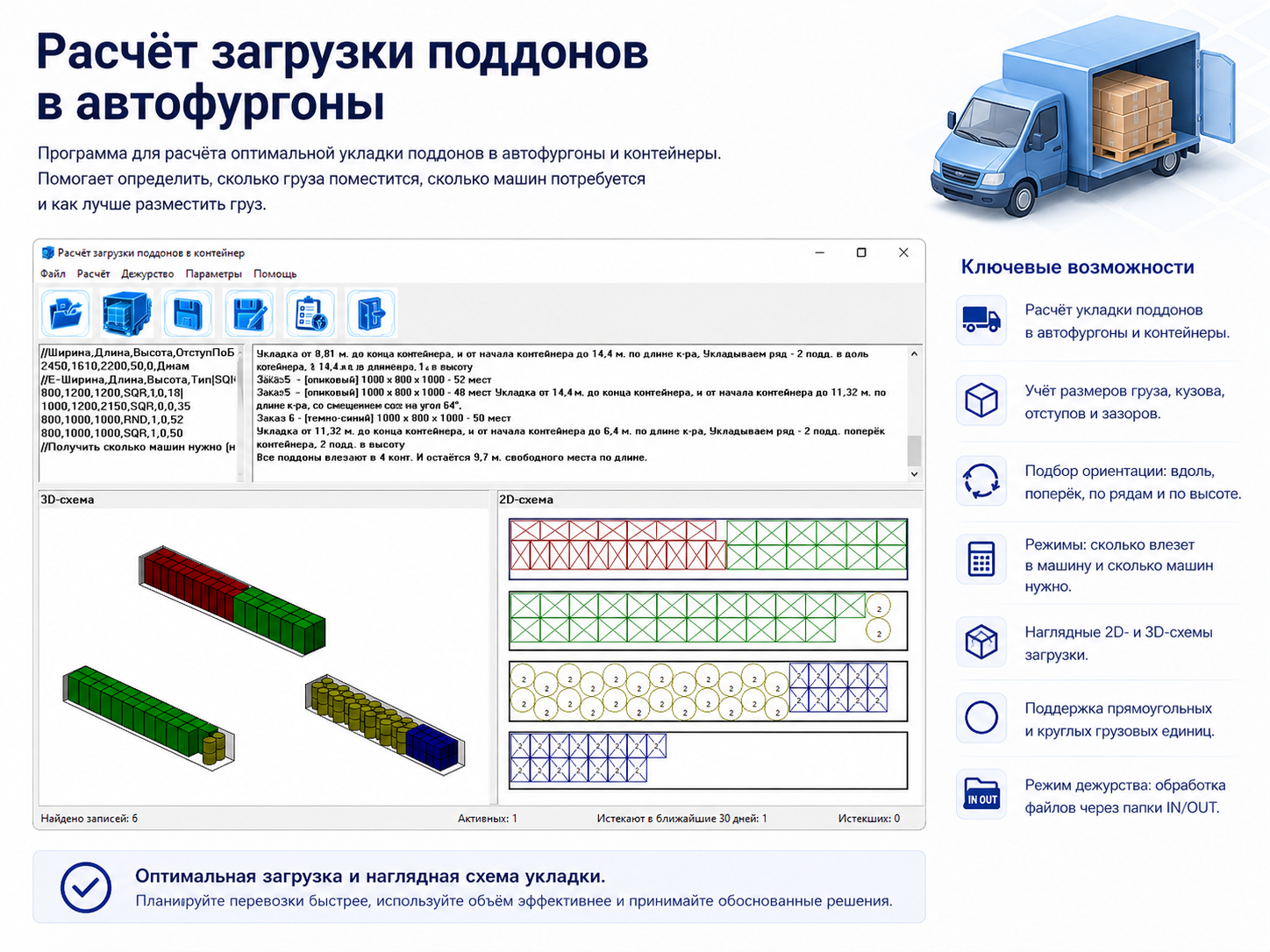
Transport Package mode accepts container or truck body dimensions. A shared table lists set components, bundles and items per pallet, loaded pallet dimensions including overhang, and pallets per container. The 3D view shows mixed loads, with pallet colors matching the table rows.
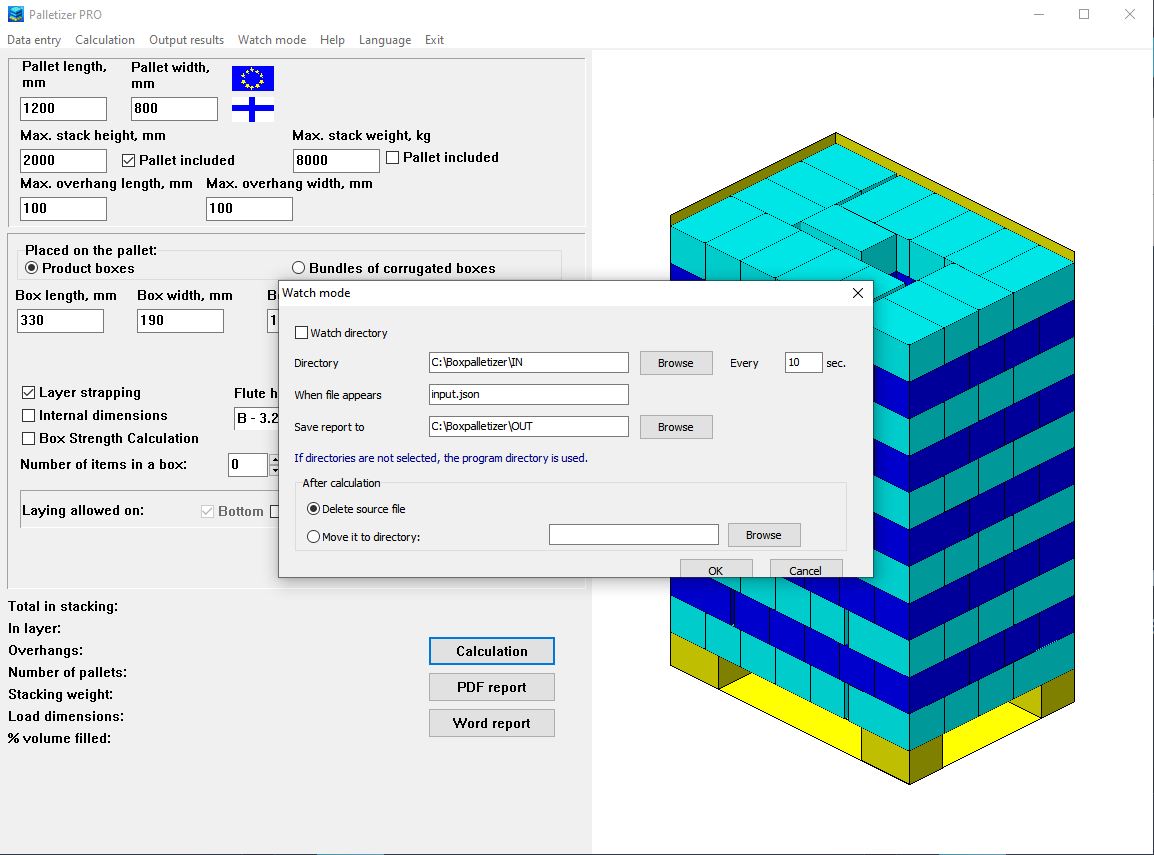
Palletizer PRO: watch mode
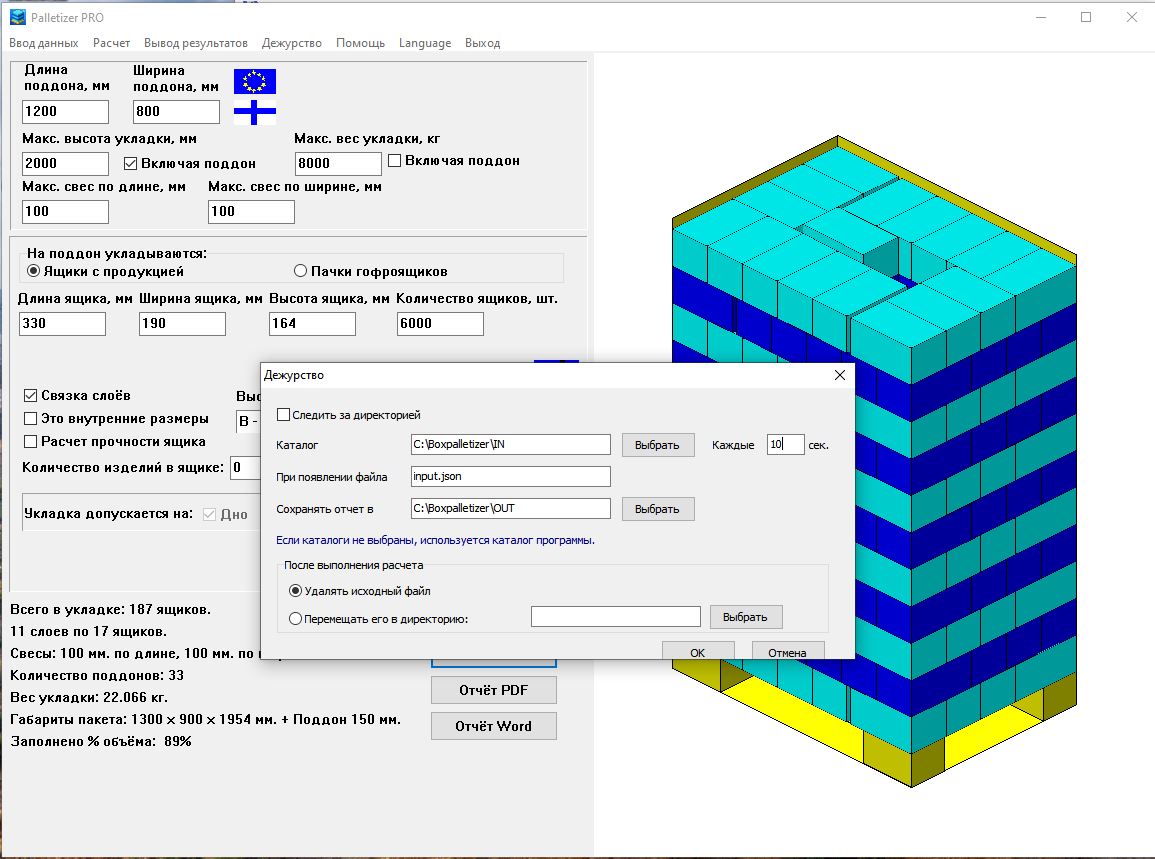
The PRO version can monitor a selected directory, automatically run the calculation
when a JSON file with palletizing parameters appears, and save the PDF/JPG report
to the selected output directory.
After successful processing, the source JSON file can be deleted or moved to an archive directory.
Palletizer PRO can also be launched with the same JSON file as a command-line argument:
values are loaded, calculation runs, the application remains open, and the file is preserved.
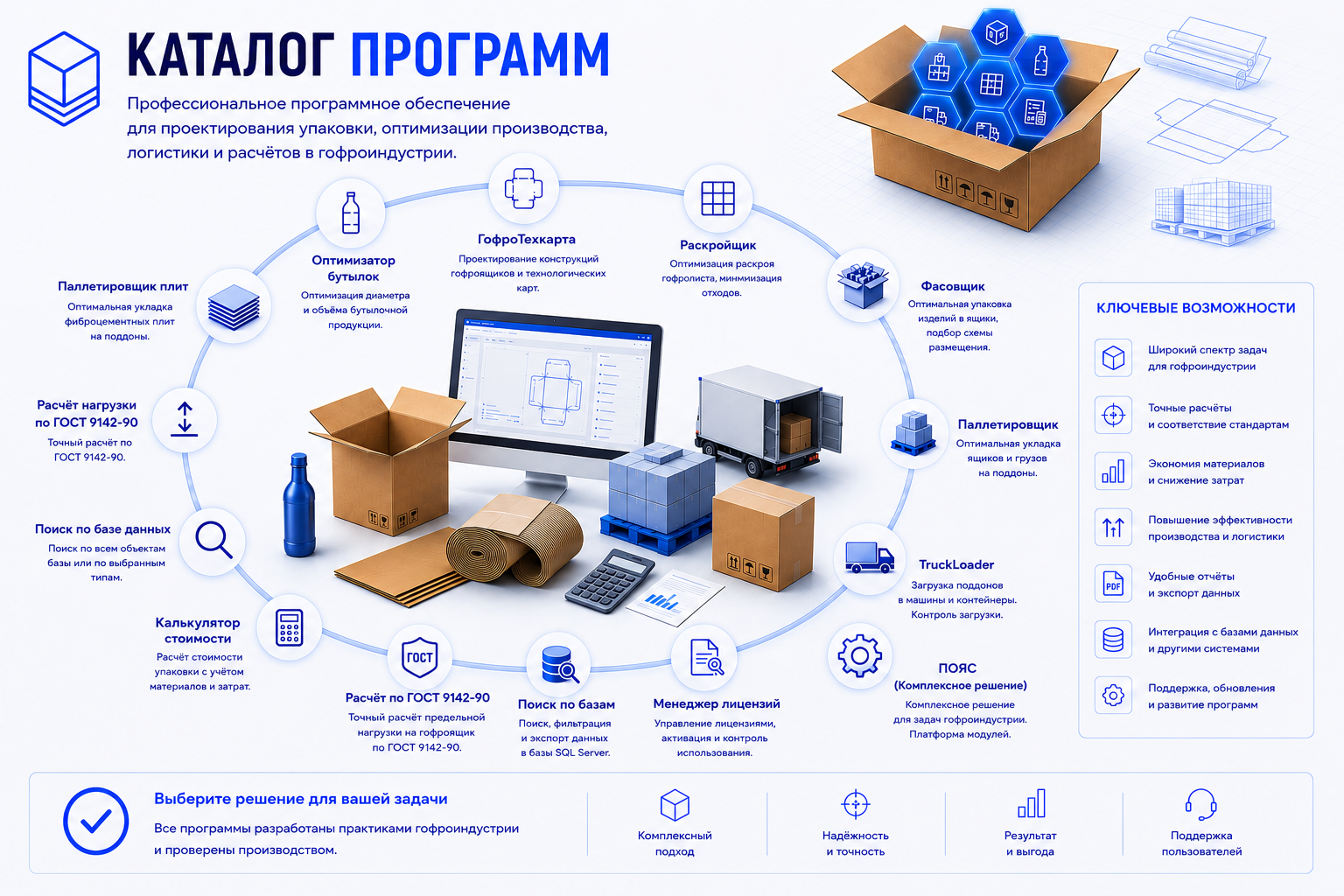
This is how it receives jobs from Box Packing Optimizer PRO (“Palletize”)
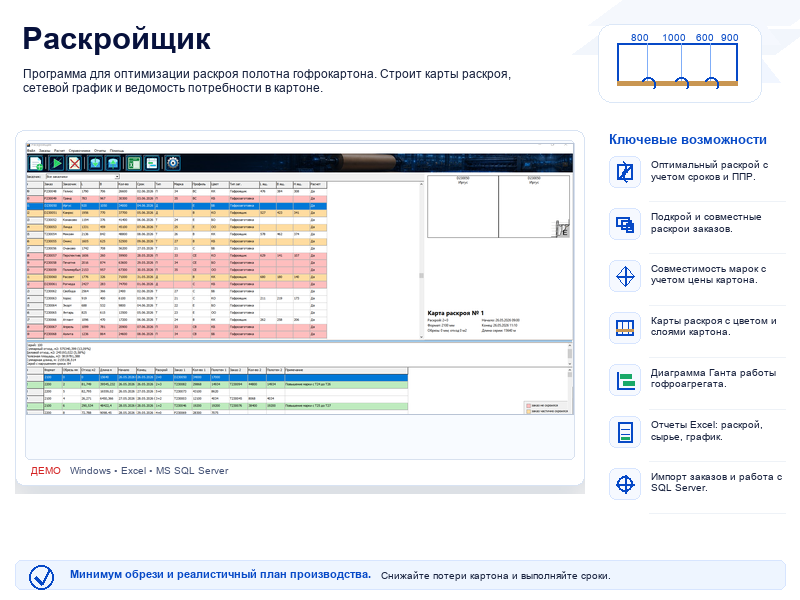
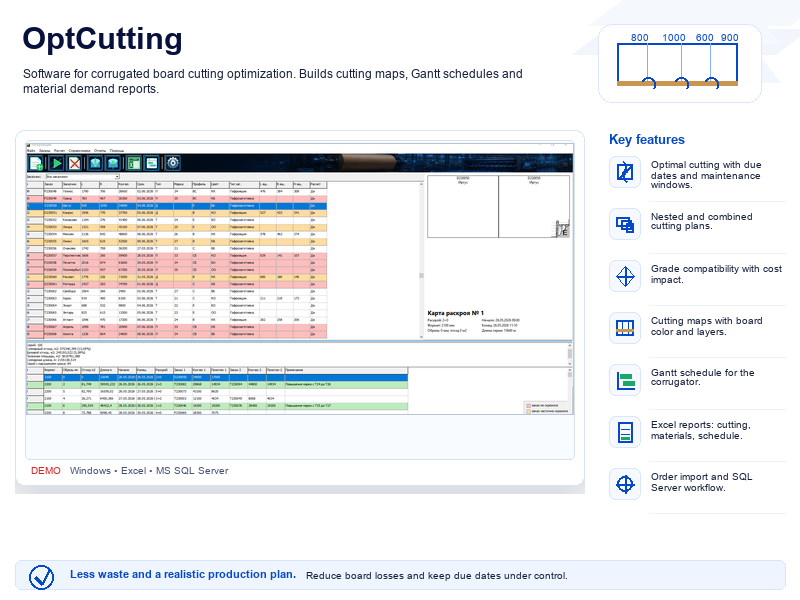
and OptCutting (“Transport”).
Multilingual interface
Box Palletizer already ships with interface dictionaries for ten languages. Language switching helps deploy the program in mixed teams and production sites with different working languages.
РусскийEnglishDeutschFrançaisעבריתItalianoҚазақшаPortuguêsСрпскиEspañol
If another language is needed, you can create your own translation dictionary for any language and connect it to the program.