PackTuning
 Find the right pack size
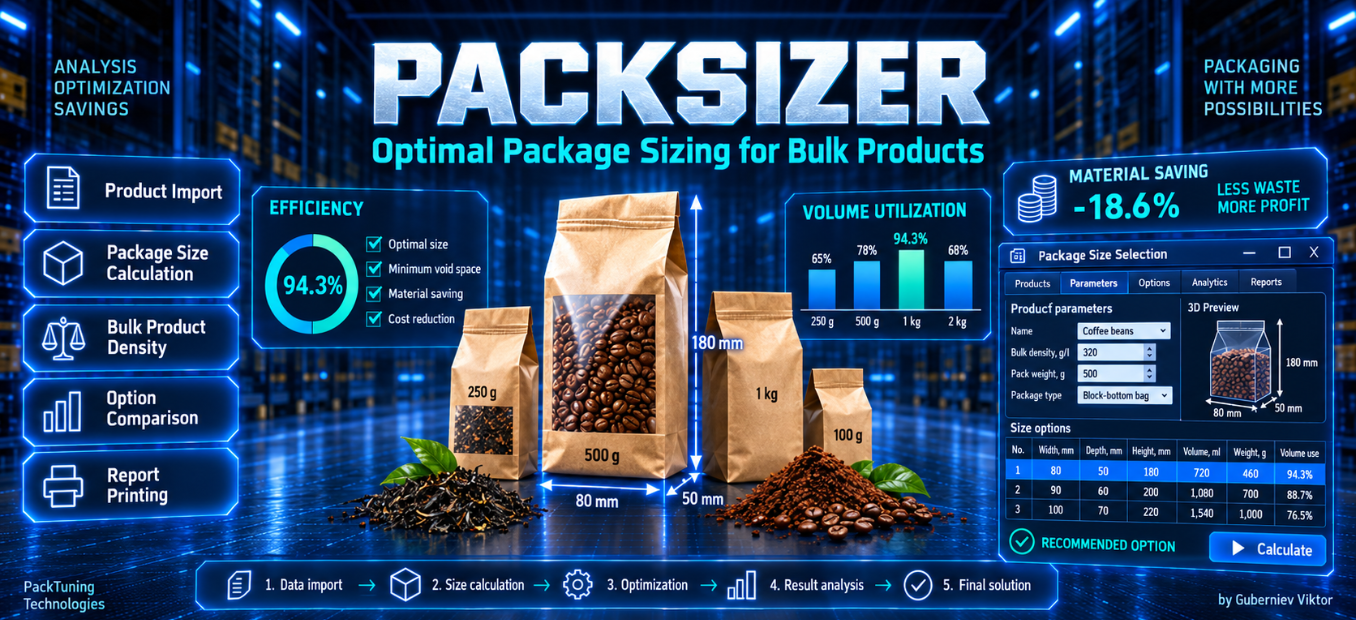
Calculate soft-pack length, width and height from product volume, proportions and permitted dimensional changes.
PACKTUNING / PACKSIZE
Find soft-pack dimensions, select shared box sizes for your product range and compare packaging costs.
Calculate soft-pack length, width and height from product volume, proportions and permitted dimensional changes.
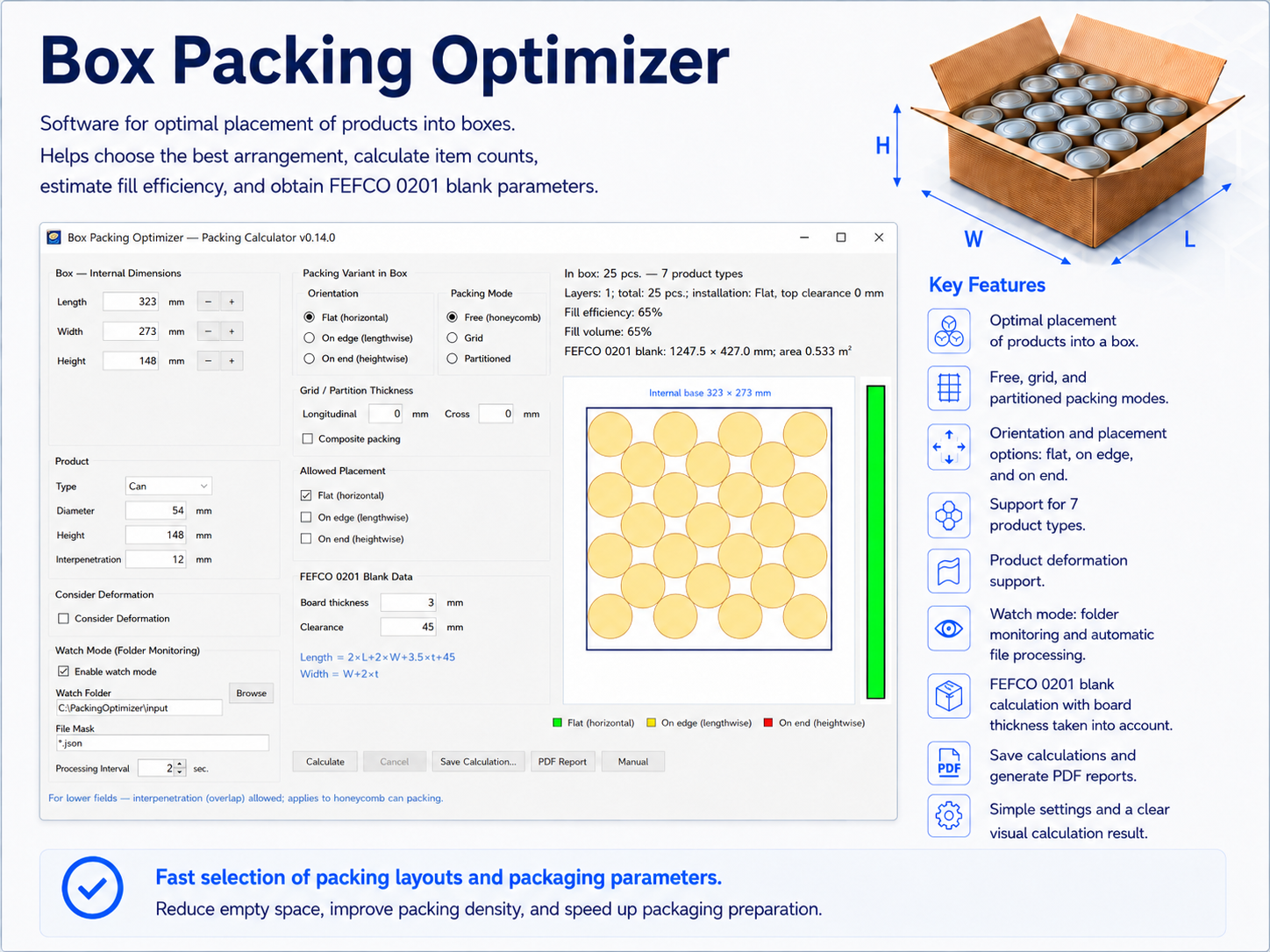
Group products into shared FEFCO 0201 corrugated box sizes, with an individual pack solution for each product.
Calculate material use, packaging cost per m³ of product, boxes per pallet and load weight.
WORKSPACE
A 3D pack preview, box packing layout and comparison with the original setup in one window.
Click the screenshot to see the details.
FROM CALCULATION TO DECISION
The A4 PDF report includes calculation parameters, products grouped by box size and a detailed page for each product. Save projects as .rzv files and export results to CSV and JSON.
View sample PDF ↗FOR YOUR TEAM
Interface dictionaries for ten languages are included. Choose the language you prefer for your workspace and reports.
Need another language? Create your own translation dictionary and add it to the application.
LICENSES
€390
Perpetual license
Buy a license€149
12 months of use
Rent for a year€14.90
1 month of use
Rent for a monthEach license is prepared for a specific computer.
The demo includes a fixed set of 12 products. Calculations, settings, saving and result exports are available. Importing, opening projects and editing the product range require the full version.
SIX SIMPLE STEPS
Download pc-settings-detector.zip.
Extract the archive and run the tool on the computer you want to license.
Copy the code displayed by the tool. It is used to prepare your personal license.
Email vguberniev@gmail.com with your preferred license to arrange payment in euros.
Send the program name “PackSize”, license option, hardware ID and payment date to vguberniev@gmail.com.
After payment verification, you will receive an email with a download link for your licensed computer.